Reliable, fast, superb stuff
購入 Rainbow Six Mobile Platinum
Rainbow Six Mobile Platinum は Elite Pass や武器スキンに使えるプレミアム通貨で、WhatsGaming なら UID でチャージできます。
Rainbow Six Mobile Platinum についてもっと見る閉じる
Rainbow Six Mobile Platinum について
Rainbow Six Mobile Platinum, delivered straight to your account. Platinum is the premium currency in the tactical mobile shooter, used to unlock the Elite Pass, operator outfits, weapon skins, charms and other cosmetic bundles from the in-game store. At WhatsGaming.net, you simply enter your User ID, pick a pack and pay. No login details are ever needed, and delivery is almost always under 60 seconds.
Choose from small top-ups like 50 or 110 Platinum for a quick store purchase, mid-sized packs for the season's pass, or large bundles if you plan to collect cosmetics across the whole season. We also stock the standard and Premium Elite Pass options directly, plus first-purchase bonus packs for eligible accounts.
WhatsGaming.net has been a trusted European storefront since 2017, and we keep things honest: clear pricing, no hidden steps and friendly support if anything looks off. Pay the way that suits you, with PayPal, Apple Pay, Google Pay, Credit Card, iDEAL, Paysafecard, Skrill, Bitcoin or USDT. Platinum is purely cosmetic and progression-focused, so you can personalise your squad without affecting fair play.
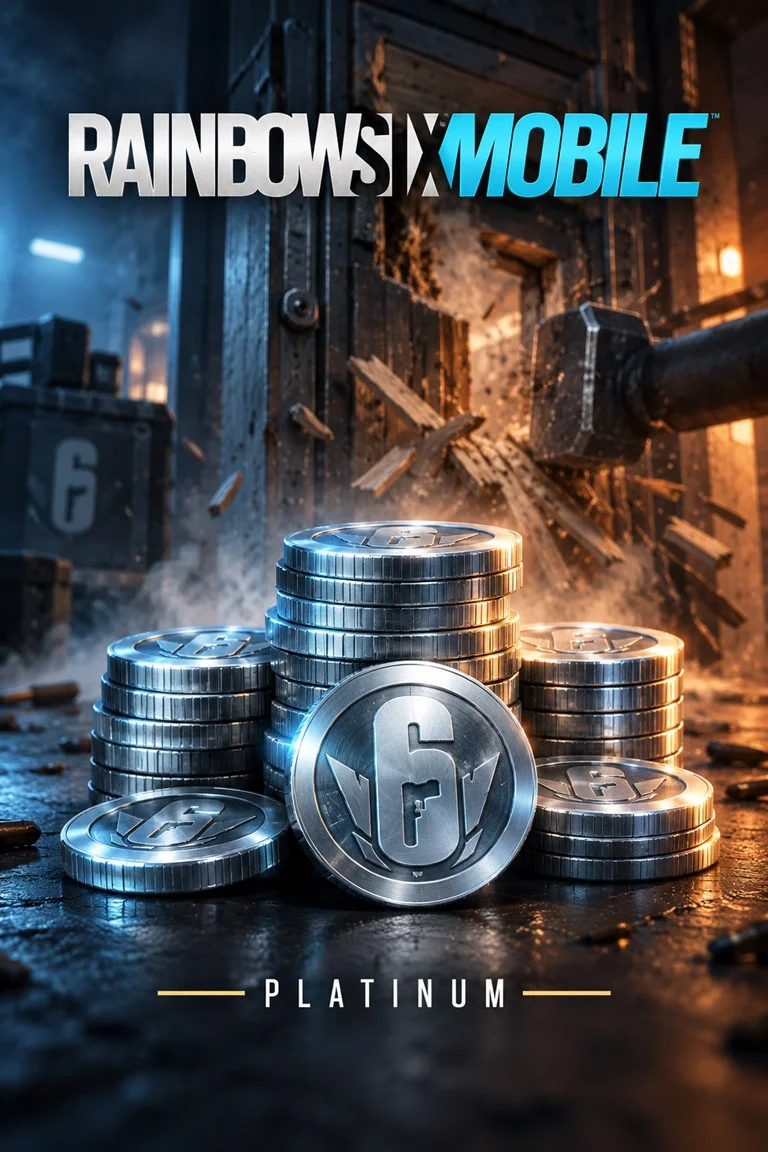
Rainbow Six Mobile Platinum パック
Rainbow Six Mobile の UID の確認方法
Your User ID is the unique identifier linked to your Rainbow Six Mobile account. To find it, launch the game, tap your profile or player card from the main menu and look for the ID shown there, which you can usually copy with a single tap. Paste it here exactly as displayed. Please do not enter your nickname, email address or password, as we never need login details to deliver Platinum.
- UID のみ
- グローバル
WhatsGaming に寄せられたプレイヤーの声
TOP!!!!
Nicely done, love you guys
Transferlimit scheiße
Brilliant service
Diese Seite ist echt cool! Feier ich! 😎
All great!!
ゲーマーが Rainbow Six Mobile Platinum を購入するなら WhatsGaming
世界最大級のゲーム向けに安全なトップアップを専門としており、Rainbow Six Mobile は最も人気のあるカテゴリのひとつです。 パックを選び、UID を入力してお支払いいただくだけで、あとはすべて自動で進みます。 ご不明な点があれば、サポートチームがチャットとメールで対応いたします。
公式トップアップ
Rainbow Six Mobileの公式トップアップシステムからPlatinumを直接トップアップ — ゲーム内での購入とまったく同じです。
UID のみ
ログインもパスワードも不要です。必要なのは UID だけです。
自動配達
お支払い後、ご注文は自動でパブリッシャーへ送られます。途中に手作業の工程はありません。
明確な料金
すべての手数料はお支払い前に表示されます。決済手数料と少額のサービス料です。
PayPal Apple Pay ほか 6 件
Rainbow Six Mobile Platinum のご購入に関するよくあるご質問
How quickly will my Platinum arrive?
Delivery is automated and almost always under 60 seconds after your payment is confirmed. If your balance has not updated, try returning to the main menu or restarting the game. Still nothing after a short while? Contact our support team with your order number and we will look into it straight away.
Do you need my account password or login?
No, never. We only need your User ID to send Platinum to your account. Please do not share your password, email login or any linked platform credentials with anyone, including us. Keeping your account details private is the safest way to top up.
What does FIRST PURCHASE ONLY mean on some packs?
These packs include a bonus that the game only grants once per account for each tier. If your account has already bought that tier before, the bonus cannot be applied again. If you are unsure, choose a standard Platinum pack, which works on every account with no restrictions.
What can I spend Platinum on in Rainbow Six Mobile?
Platinum is used for the Elite Pass and Premium Elite Pass, operator outfits, weapon skins, charms and other cosmetic bundles in the in-game store. Purchases are focused on customisation and seasonal rewards, so you can personalise your loadout and squad look across each season.
Which payment methods can I use?
You can pay with PayPal, Apple Pay, Google Pay, Credit Card, iDEAL, Paysafecard, Skrill, Bitcoin and USDT. Available options may vary slightly depending on your country, and you will see every method that applies to you at checkout.
What happens if I enter the wrong User ID?
Platinum is delivered to whichever User ID you submit, so a typo could send it to a different account, and completed deliveries usually cannot be reversed. That is why we recommend copying the ID directly from your profile. If you spot a mistake before delivery, contact our support team immediately and we will do our best to help.