Reliable, fast, superb stuff
Buy Azur Lane Gems
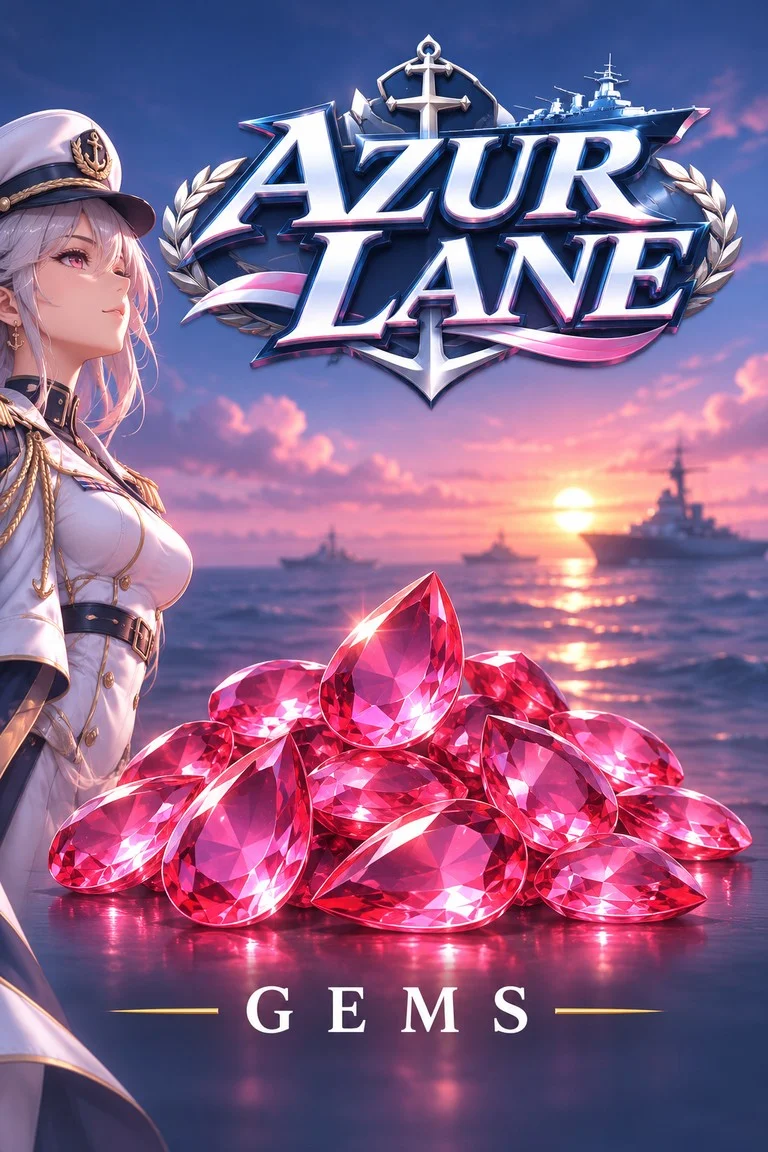
Azur Lane Gems are the premium currency for ship skins and dock space: top them up at WhatsGaming with your User ID and Server.
More about Azur Lane GemsShow less
About Azur Lane Gems
Top up Azur Lane Gems at WhatsGaming.net, a trusted European storefront serving gamers since 2017. Gems are the game's premium currency, used for outfit skins, extra dock space for your fleet, equipment storage expansions and limited shop bundles that rotate with each new event. Whether you are preparing for the next seasonal update or want to stop running out of dock slots, a Gems top-up gives you the flexibility to grow your fleet your way.
The process is simple: enter your User ID, choose your server, pick a pack from Handful of Gems up to Box of Gems, and pay with the method that suits you. We support PayPal, Apple Pay, Google Pay, Credit Card, iDEAL, Skrill, Paysafecard, Bitcoin and USDT. Gems are sent straight to your account, and delivery is almost always under 60 seconds once payment is confirmed. No password or login details are ever needed. Just your ID and server, and you are ready to set sail.
Azur Lane Gems Packs
What players say about WhatsGaming
Nicely done, love you guys
Brilliant service
Diese Seite ist echt cool! Feier ich! 😎
All great!!
Franchement, ce site est trop cool ! J'adore, c'est une pépite ! 🔥
Honestly love this site!! It's so cute and easy to use, obsessed 😭💗
Why Buy Azur Lane Gems From WhatsGaming
We specialize in safe top-ups for the world’s biggest games, and Azur Lane is one of our most popular categories. Pick a pack, enter your User ID and pay — everything else runs automatically. Questions? Our support team is there for you by chat and email.
Found it cheaper? We match it.
Seen the same pack for less somewhere else? Send us a screenshot and the link — we match the price.
How it works →Official top-up
Gems straight from the official top-up system of Azur Lane — just like a purchase in the game.
User ID only
No login, no password. We only need your User ID.
Automatic delivery
After payment your order goes to the publisher automatically — no manual step in between.
Clear prices
Every fee is shown before you pay — the payment fee and a small service fee.
PayPal Apple Pay + 6 more
Frequently Asked Questions About Buying Azur Lane Gems
How fast will I receive my Azur Lane Gems?
Delivery is almost always under 60 seconds after your payment is confirmed. Occasionally a payment check or a busy moment on the game side can add a short delay. If your Gems have not appeared after a while, restart the game and check your balance, then reach out to our support team with your order number.
Do you need my Azur Lane password?
No. We only ask for your User ID and server. We will never request your password, email login or any other account credentials. If anyone claiming to be WhatsGaming asks for them, please do not share them and let our support team know.
Which payment methods can I use?
You can pay with PayPal, Apple Pay, Google Pay, Credit Card, iDEAL, Skrill, Paysafecard, Bitcoin and USDT. Available options may vary slightly depending on your country, and you will see the methods offered to you at checkout.
What happens if I enter the wrong User ID or server?
Gems are sent to whichever User ID and server you provide, and once delivered they cannot be moved to another account. Please double-check both fields before paying. If you notice a mistake right after ordering, contact our support team immediately and we will do our best to help before the order is processed.
What can I spend Gems on in Azur Lane?
Gems are the premium currency and are commonly used for outfit skins, expanding dock space for more ships, adding equipment storage and buying bundles from the in-game shop. Limited offers often appear during seasonal events, so many players top up ahead of a new update.
Is WhatsGaming a safe place to top up?
WhatsGaming.net has been a European gaming top-up storefront since 2017. Payments are handled through established, secure providers, and we only need your User ID and server to deliver. If anything goes wrong with an order, our support team is happy to look into it with you.